
Set Up Your Development Environment in Ubuntu
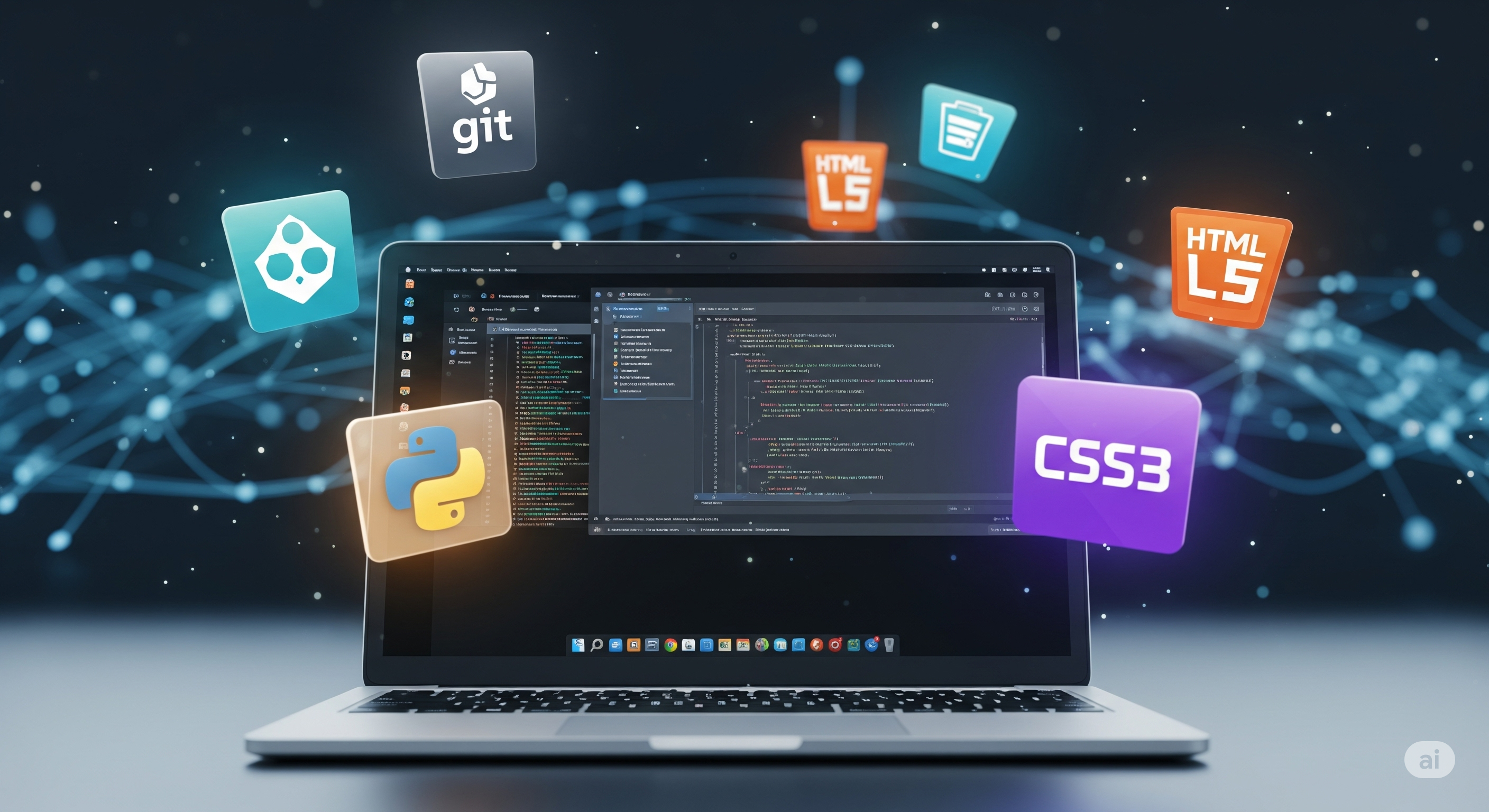
Have you completed the basic Ubuntu course and are ready to take the next step? This course is tailored for those who teach programming or technology, or for those who want to use their computer to build and create. We leave basic usage behind and dive straight into the tools and methods that professional developers use daily. You will learn to configure a robust environment for popular languages like Python and JavaScript. We go through the basics of version control with Git, set up the powerful code editor Visual Studio Code, and explore how you can create reproducible environments for your students using Docker. Each moment is practical and focuses on giving you a functional and efficient workstation. After completing the course, you will have not only a complete development environment, but also a deeper understanding of how software development works in a Linux environment. You will be ready to lead programming projects, create web applications, and give your students insight into an authentic and modern development process.
Steps in this Course
All development begins with the right tools. We walk through the three foundational pillars of a modern development environment and why they are so important.
Learn to create isolated Python environments with venv and manage packages with pip. A fundamental skill for keeping your Python projects clean and reproducible.
Learn the basic Git workflow for tracking changes and how to use GitHub to back up and share your code.
Master Visual Studio Code. Learn to navigate the interface, use the integrated terminal and install extensions that supercharge your coding.
Dive into the fundamentals of web development. Learn to create your first website with HTML, style it with CSS and add interactivity with JavaScript, all from your local environment.
Discover containers with Docker. Learn why Docker has revolutionized software development and how you can run an application in a perfectly isolated environment.